Stylized Post Process Pack Vol.1
Welcome to the official wiki of Stylized Post Process Pack Vol.1 made by Niinko
If you find any bugs or encounter any problems, you can contact me at: niinko.kitsune@gmail.com
How to implement Post Process :
Firstly, add a Post Process Volume :
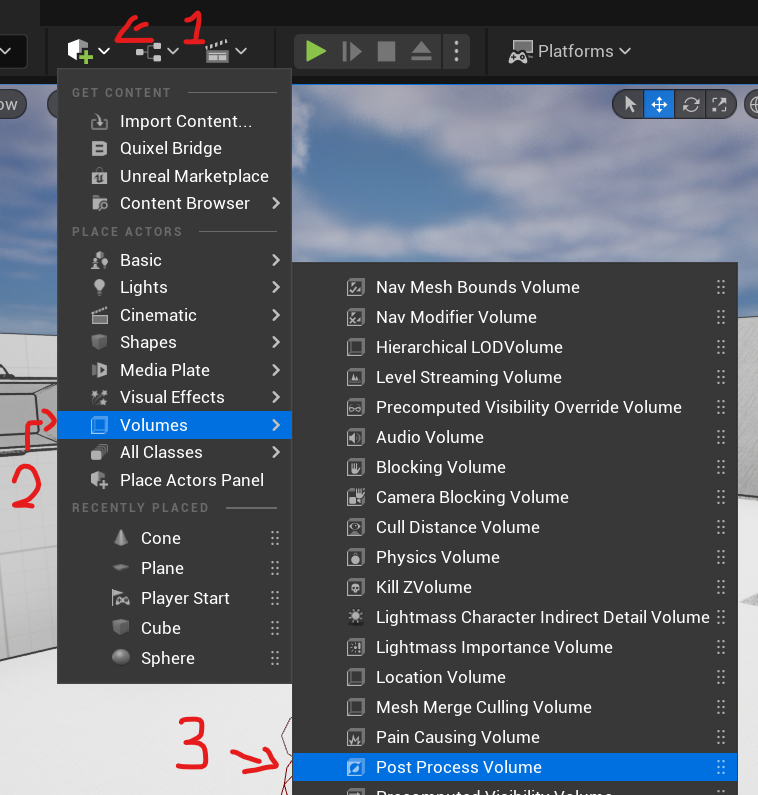
A 3D wireframed cube appears on the scene, it's the Post Process Volume.
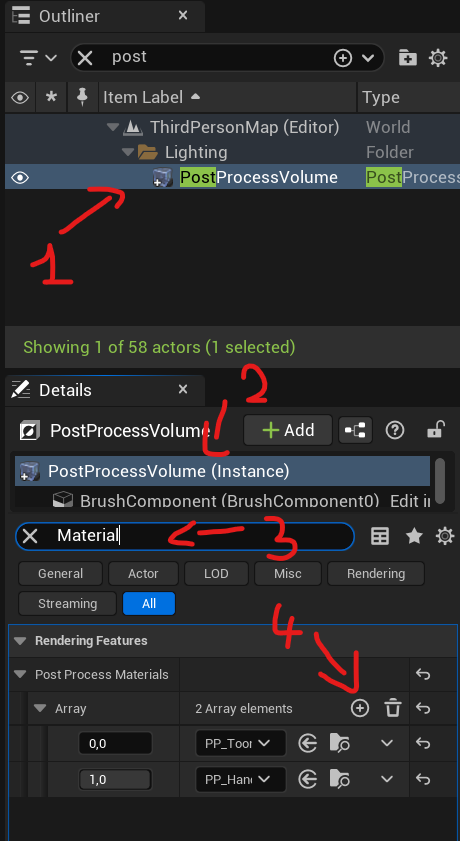
- Click on the Wireframed cube in the scene or search for it in the Outliner.
- In the details, click on the PostProcessVolume.
- In the search bar, type "Material".
- In the Post Process Materials section, click on the "+" button in the Array.
- A "Choose" drop-down panel will appear, click on it and select Asset reference.
- Click on the drop-down panel labeled "None" and search for "PP_Toon_Inst" or "PP_HandDraw_Inst".
Now, enjoy your beautiful world.
You can add
Variables:
Variable will have the same name as in editor, with a preview of the effect, and a small description:
HAND DRAW
Ambiant Occlusion [bool]
Use Ambiant Occlusion
Custom Depth [bool]
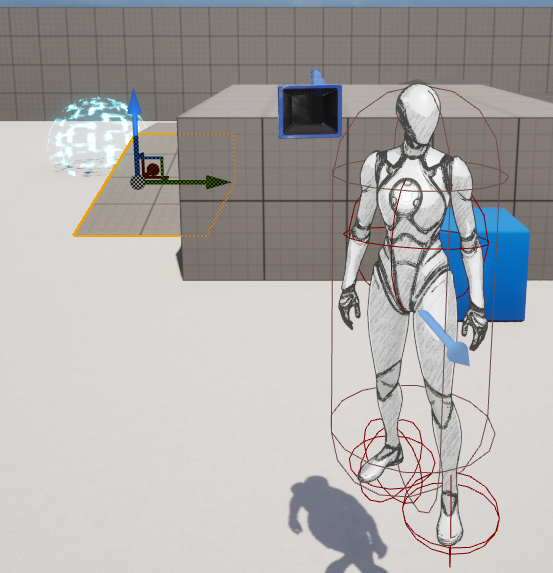
Enable Post Process only on 3D model on Custom Depth Channel
Limit Post Process [bool]
Does Post Process is limited (Enable if you don’t want skybox to be affected)
Limit Post Process Value [float]
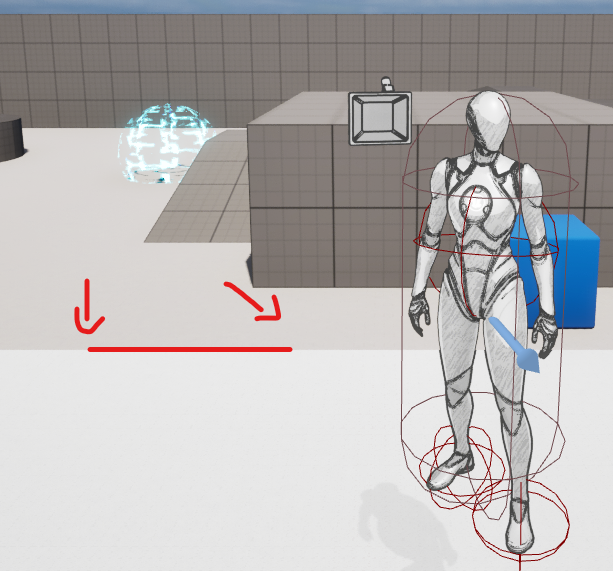
The distance max of the effect of the post process volume
Threshold [float]
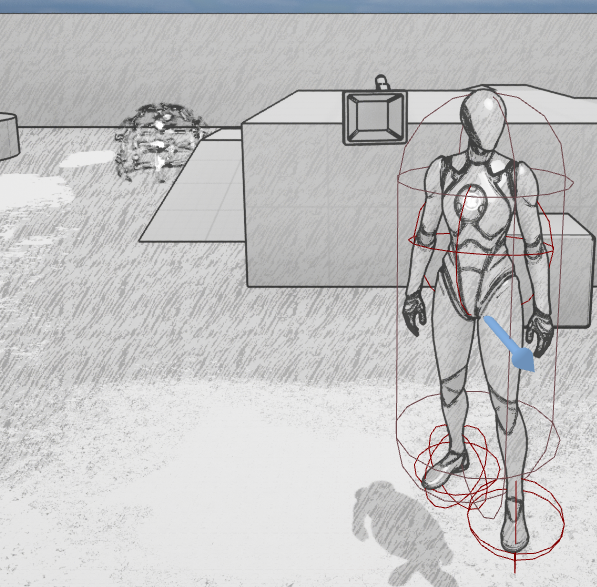
The threshold between light and shadow zone
Light Blend Amount [float]
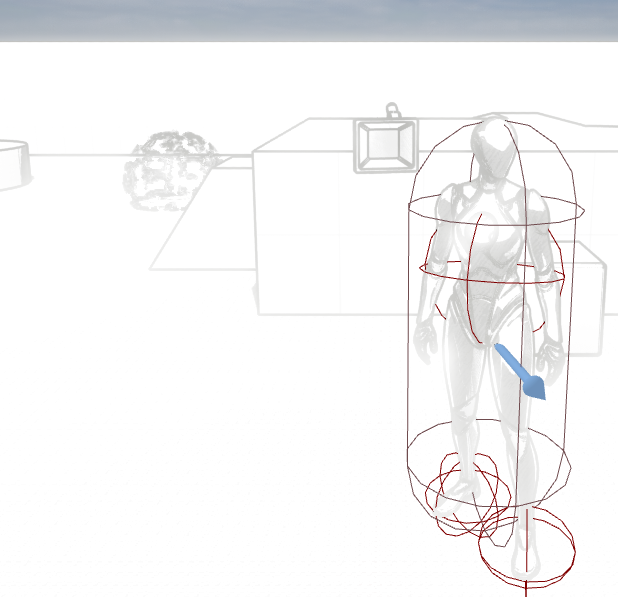
Intensity of light
Light Tint [Vector3]
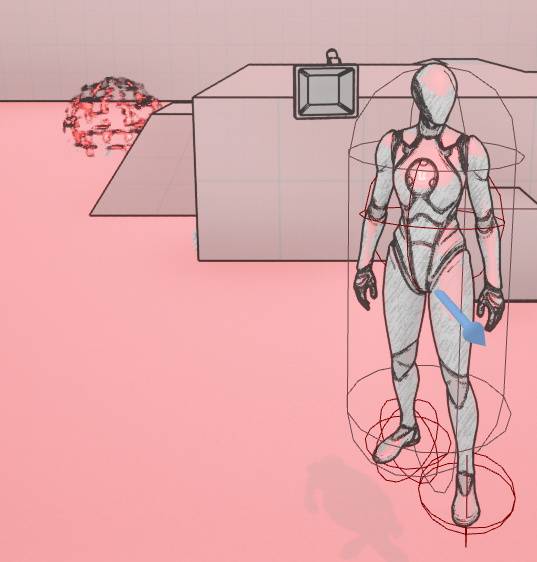
The color of the light zone
Depth Outlines [bool]
Activate the depth outline
Normal Outlines [bool]
Activate the Normal outline
Outlines [bool]
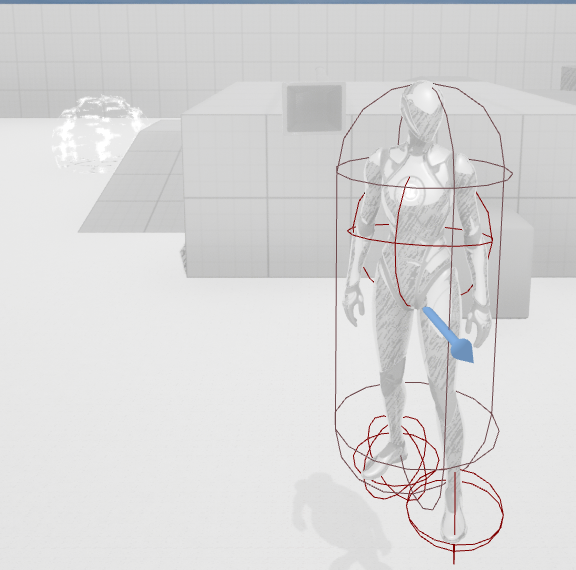
Activate Outlines
Outlines Color [Vector3]
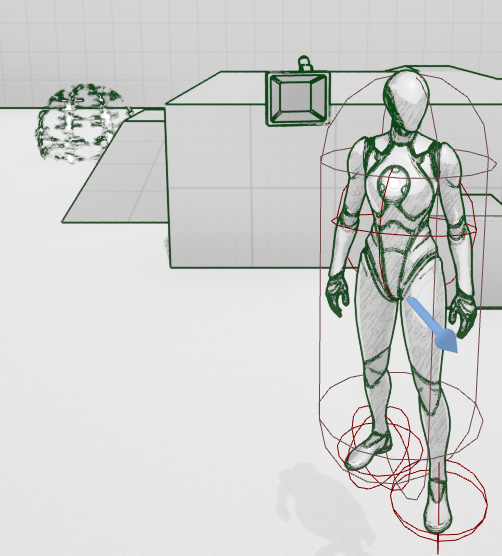
The color of the outline
Normal/Depth Line Threshold [float]
The threshold of outline
Normal/Depth Line Width [float]
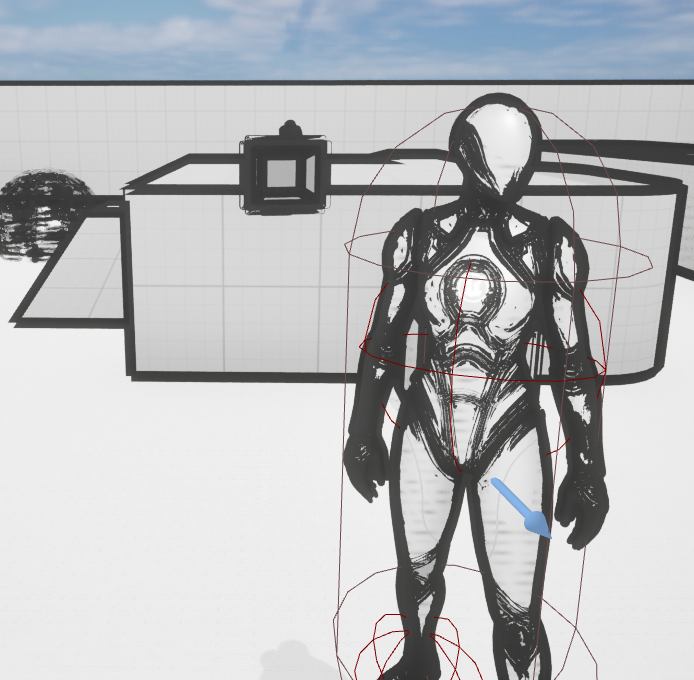
The width of the outline
Shadow Blend Amount [float]
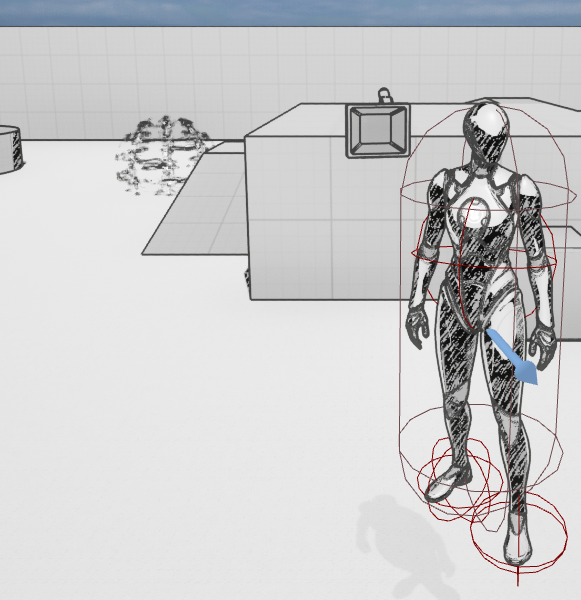
Shadow intensity
Shadow Tint [Vector3]
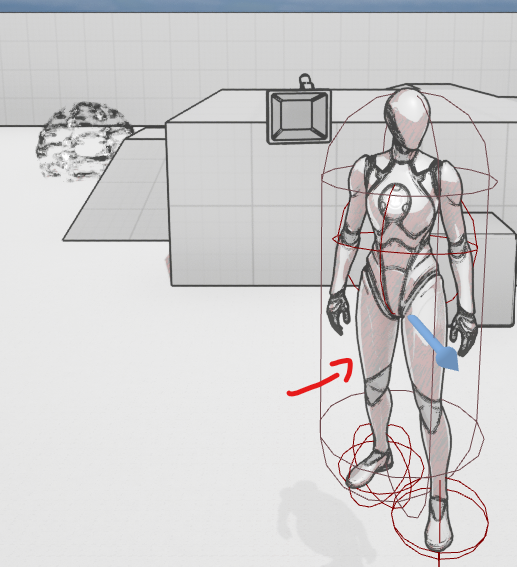
The color of the shadow zone
OUTLINE
Custom Depth [bool]
Enable Post Process only on 3D model on Custom Depth Channel
Limit Post Process [bool]
Does Post Process is limited (Enable if you don’t want skybox to be affected)
Limit Post Process Value [float]
The distance max of the effect of the post process volume
Depth Outlines [bool]
Activate the depth outline
Normal Outlines [bool]
Activate the Normal outline
Outlines [bool]
Activate Outlines
Outlines Color [Vector3]
The color of the outline
Normal/Depth Line Threshold [float]
The threshold of outline
Normal/Depth Line Width [float]
The width of the outline
TOON
Ambiant Occlusion [bool]
Use Ambiant Occlusion
Custom Depth [bool]
Enable Post Process only on 3D model on Custom Depth Channel
Limit Post Process [bool]
Does Post Process is limited (Enable if you don’t want skybox to be affected)
Limit Post Process Value [float]
The distance max of the effect of the post process volume
Threshold [float]
The threshold between light and shadow zone
Light Blend Amount [float]
Intensity of light
Light Tint [Vector3]
The color of the light zone
Shadow Blend Amount [float]
Shadow intensity
Shadow Tint [Vector3]
The color of the shadow zone
PIXELATE
Custom Depth [bool]
Enable Post Process only on 3D model on Custom Depth Channel
Limit Post Process [bool]
Does Post Process is limited (Enable if you don’t want skybox to be affected)
Limit Post Process Value [float]
The distance max of the effect of the post process volume
Pixel Size [float]
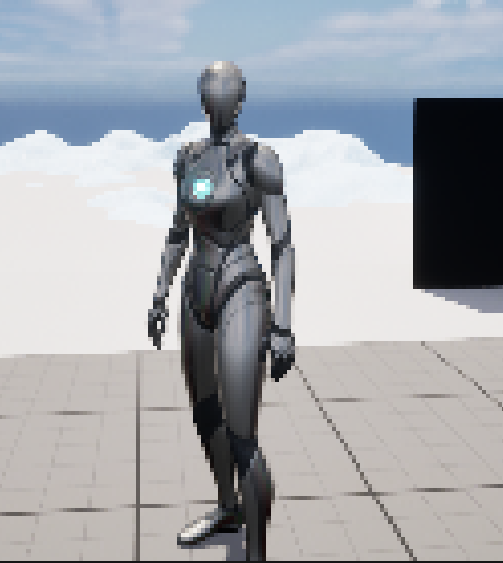
Pixel Size
HALF TONE
Custom Depth [bool]
Enable Post Process only on 3D model on Custom Depth Channel
Limit Post Process [bool]
Does Post Process is limited (Enable if you don’t want skybox to be affected)
Limit Post Process Value [float]
The distance max of the effect of the post process volume
Amount of Color [float]
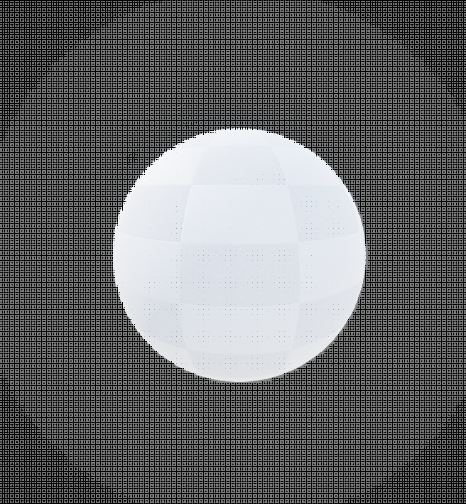
How many color shade will be used
Dot Amount [float]

The number of dot
Dot Sharpness [float]
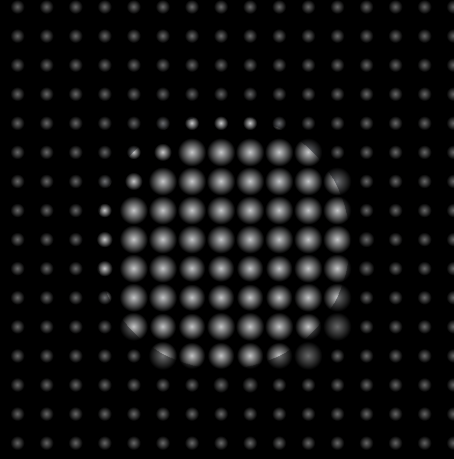
How sharp the dot is
Dot Size [float]
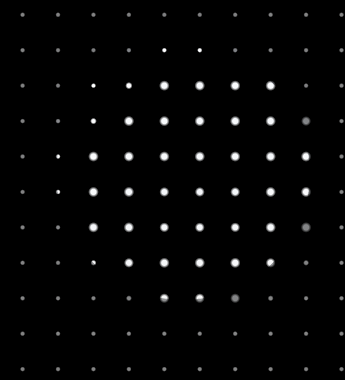
Dot size